.png&w=256&q=75)
Arabic UX Design: Why Translation Fails Without Localization (RTL Guide)
By Ahmed Elsayed on January 27, 2026
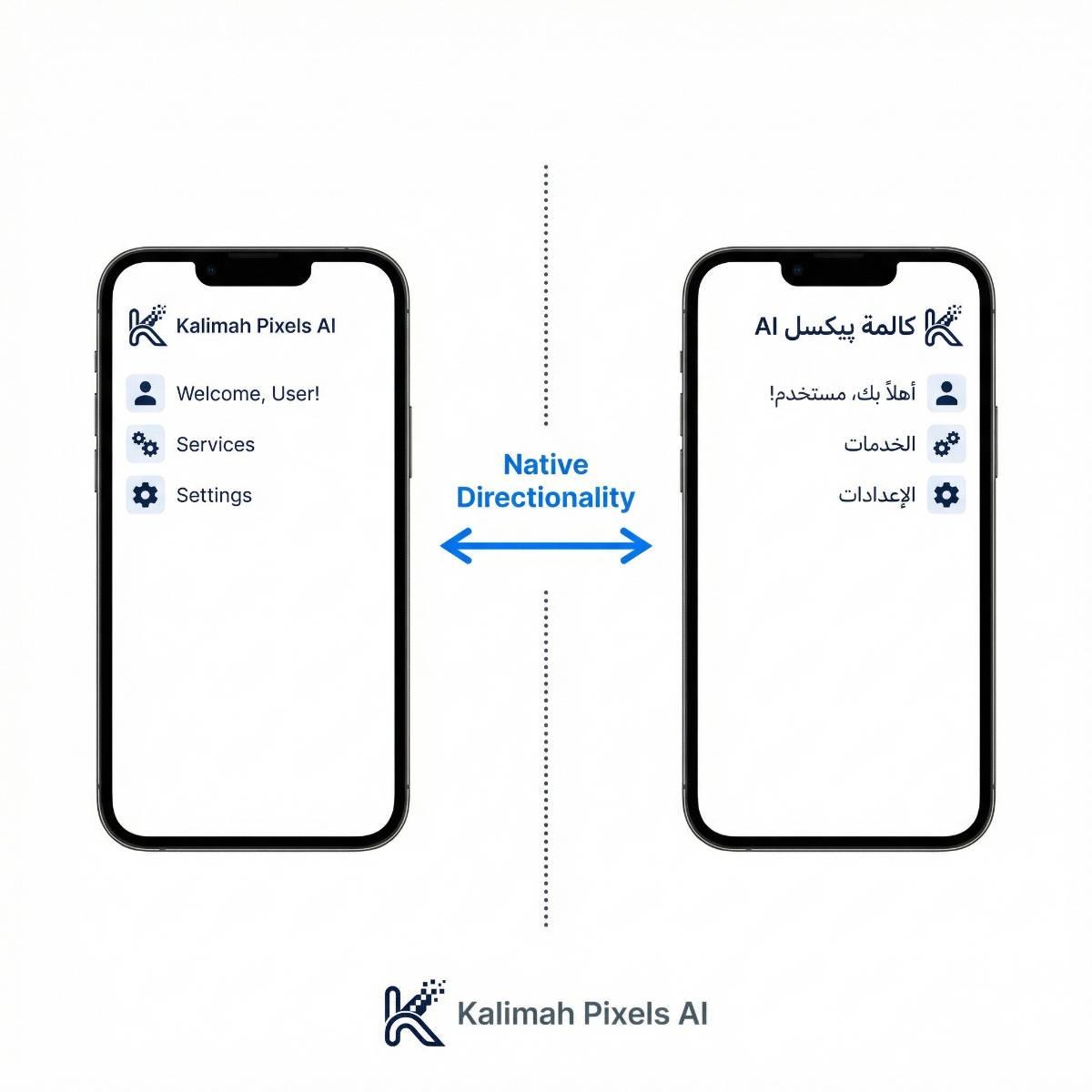
Arabic UX Design: Why Translation Fails Without Localization (RTL Guide)
When startups decide to expand into Saudi Arabia or the UAE, the first step is usually "translating the app." But soon, they find that users complain about usability, or that the app simply "feels wrong."
The reason is simple: Arabic is not just a language; it is a visual system that operates from Right-to-Left (RTL).
The Trap Foreign Developers Fall Into
In English (LTR) apps, the eye starts scanning from the top-left corner. The "Back" button is on the left; the menu is on the right. When you only translate text without mirroring the layout:
- The "Back" button ends up in a logically incorrect place.
- Arabic text remains left-aligned (which looks broken to native readers).
- The visual balance of the app collapses.
How Kalimah Pixels AI Solves This
We use Flutter, which has robust support for RTL languages. But tools aren't enough; expertise is key.
1. Complete Mirroring
We don't just mirror text; we mirror logic. For example, in a delivery app, a progress bar must fill from Right to Left for an Arabic user.
2. Typography Adjustments
Arabic scripts are generally shorter and wider than Latin scripts. If you keep the exact same font size as English, the Arabic text often looks illegible. We dynamically adjust font metrics for each language.
3. Iconography Nuances
Some icons are universal. Some need to be flipped (like arrows or vehicles). Some must never be flipped (like clocks or numbers). Knowing the difference is what makes an app feel professional.
The Bottom Line: GCC users are tech-savvy and demanding. They won't accept an app that feels like a lazy translation. At Kalimah Pixels AI, we build your app to be natively Arabic and globally scalable from Day 1.