.png&w=256&q=75)
Beyond Translation: Why Western Apps Fail in the Arab World (The RTL Challenge)
By Ahmed Elsayed on January 27, 2026
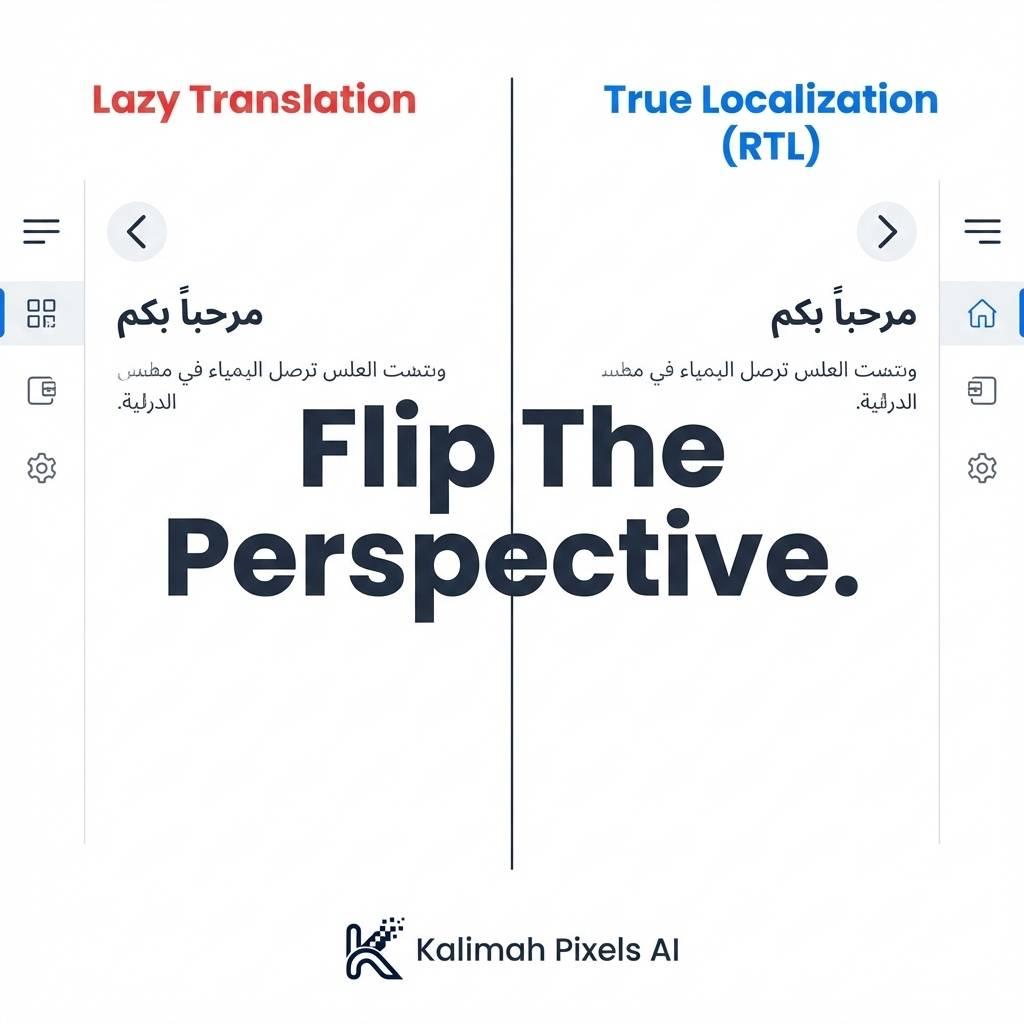
Beyond Translation: Why Western Apps Fail in the Arab World
The MENA market is one of the fastest-growing tech hubs globally. Yet, many global apps fail here. The reason? They treat our interface like a translated English interface.
The RTL (Right-to-Left) Challenge
When an Arab user scans a screen, their eye starts at the Top Right corner. If your app places the Logo on the Left and the Menu on the Right (Standard LTR layout), you are forcing the user to fight their natural visual flow.
The Devil is in the Details
At Kalimah Pixels AI, we obsess over Localization (l10n) nuances:
1. Icon Mirroring
- In English, the "Back" arrow points Left (
<). - In Arabic, "Back" implies going to the Right (
>). If you don't programmatically flip this asset, navigation becomes confusing.
2. Numbers & Dates
Do we use Western Arabic numerals (123) or Eastern Arabic numerals (١٢٣)? Gregorian or Hijri calendar? We bind the app to the user's system locale preferences to deliver exactly what they expect.
3. Typography
Fonts that look sleek in English often look terrible or broken when rendering Arabic script. We implement dedicated Arabic typefaces (like Cairo or IBM Plex Sans Arabic) to ensure legibility and aesthetic integrity.
How Flutter Solves This
We leverage Flutter Internationalization (i18n) engines. This means we write the layout code once. When the user switches the language, the app effectively "rebuilds" itself—flipping margins, padding, and alignments automatically to match the RTL direction.
The Bottom Line: Arab users deserve an app designed for them, not just translated to them. Cultural respect is a core metric of software quality.